
Visual Interface
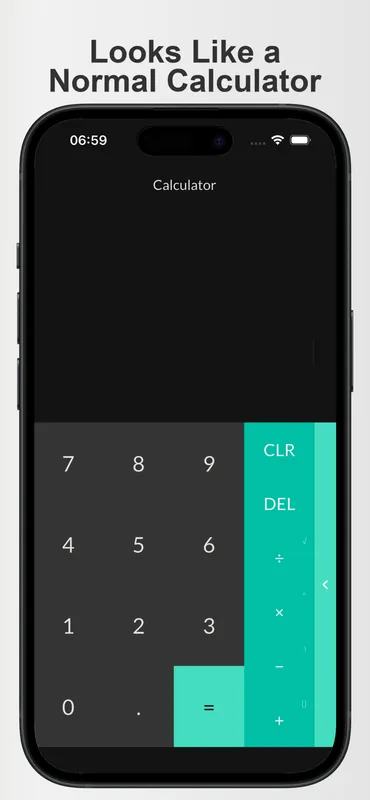
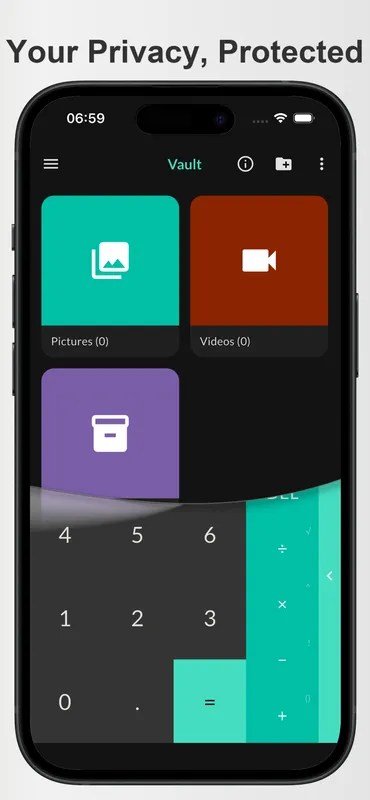
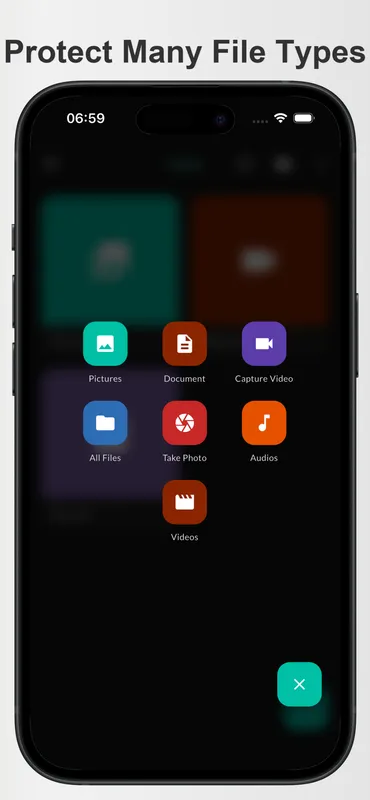
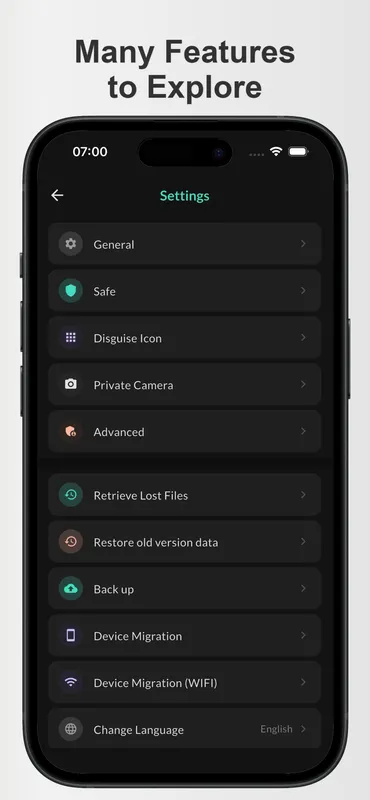
CalcSafe looks and works like a regular calculator, but behind its familiar interface lies a secure, encrypted vault for your private files. Enter your secret PIN on the calculator keypad and your hidden vault opens instantly.
Your privacy is protected with AES-256-CBC encryption. Every file you import is encrypted and stored securely on your device. The master key is protected by your PIN, ensuring only you can access your data. Choose between encryption mode or hidden mode for file storage.
SECURE FILE VAULT
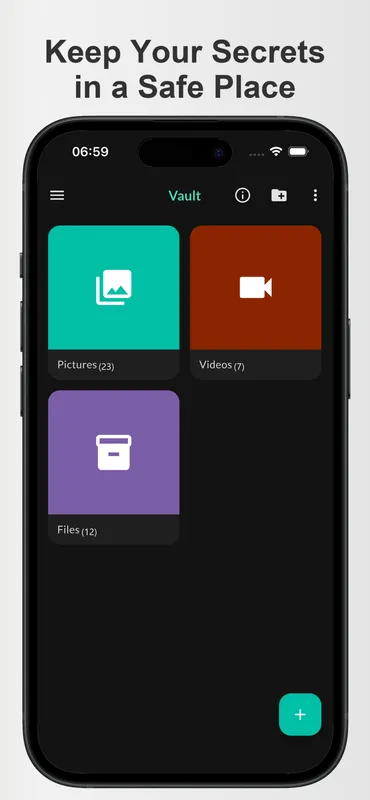
Import and organize pictures, videos, and files into categorized folders. Create custom folders, browse in grid or list view, and sort by name, date, or size. Every file is encrypted before storage, keeping your data unreadable even if someone accesses device storage directly.
PRIVATE NOTES
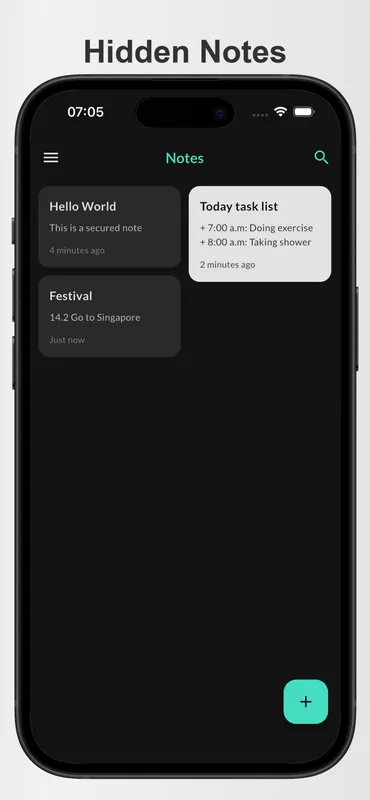
Write and store confidential notes within your vault. Create, edit, search, and organize text notes protected behind your PIN. Use it for passwords, journal entries, financial records, or any private text.
PRIVATE CAMERA
Capture photos and videos directly into your vault without leaving traces in your device gallery. Adjust quality settings and choose which folder to save to.
INTRUDER DETECTION
Enable intruder selfie to silently capture a front camera photo when someone enters the wrong PIN. Review captures anytime. Break-in alerts notify you of failed attempts with timestamps when you next open the app.
FAKE VAULT (DECOY MODE)
Set a secondary PIN that opens a decoy vault. If pressured to unlock the app, enter the fake PIN to show an empty vault. Your real data stays hidden.
DISGUISE APP ICON
Choose from multiple calculator style themes that change the calculator appearance, making the app blend in naturally on your home screen.
QUICK LOCK FEATURES
Lock your vault by shaking your device, flipping it face-down, or automatically when the screen turns off. Configure screen-off behavior to lock, go home, or take no action.
RECYCLE BIN
Recover accidentally deleted files and notes from the built-in recycle bin, or permanently remove them when ready.
BACKUP AND MIGRATION
Back up your vault data and migrate to a new device via USB or Wi-Fi without exposing files during transfer.
RECOVERY QUESTION
Set a security question during setup to regain vault access if you forget your PIN.
MULTI-LANGUAGE SUPPORT
Available in 15 languages including English, Chinese, Vietnamese, Japanese, Spanish, Arabic, Russian, Portuguese, French, Korean, German, Italian, Thai, and Hindi.
WHO SHOULD USE CALCSAFE
Anyone who values digital privacy. Professionals safeguarding documents, parents protecting family photos, or anyone wanting a private space for personal files.
WHY CHOOSE CALCSAFE
Strong AES-256 encryption combined with a calculator disguise. Includes notes, private camera, intruder detection, fake vault, quick-lock sensors, backup tools, and multi-language support. Your files stay on your device, encrypted and under your control.