Visual Interface
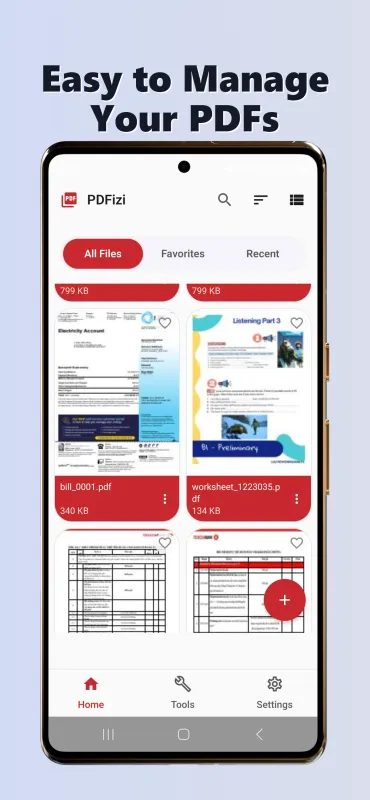
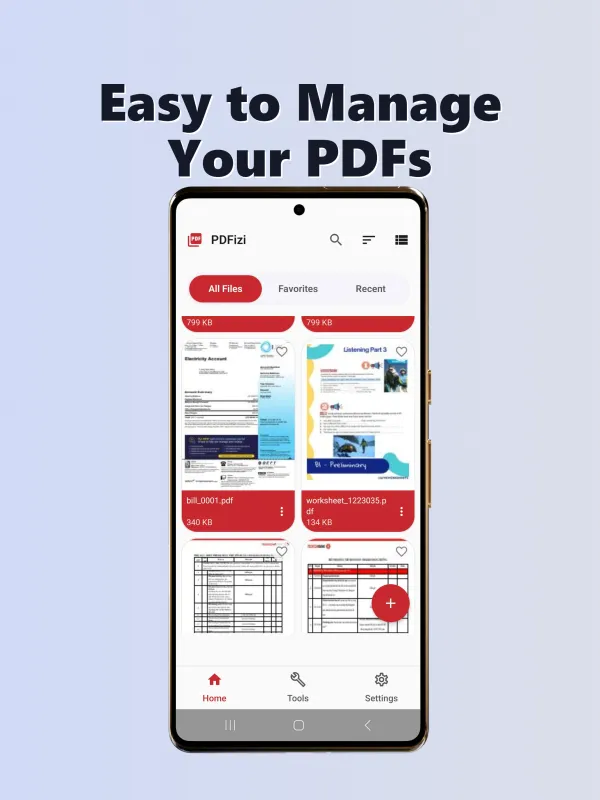
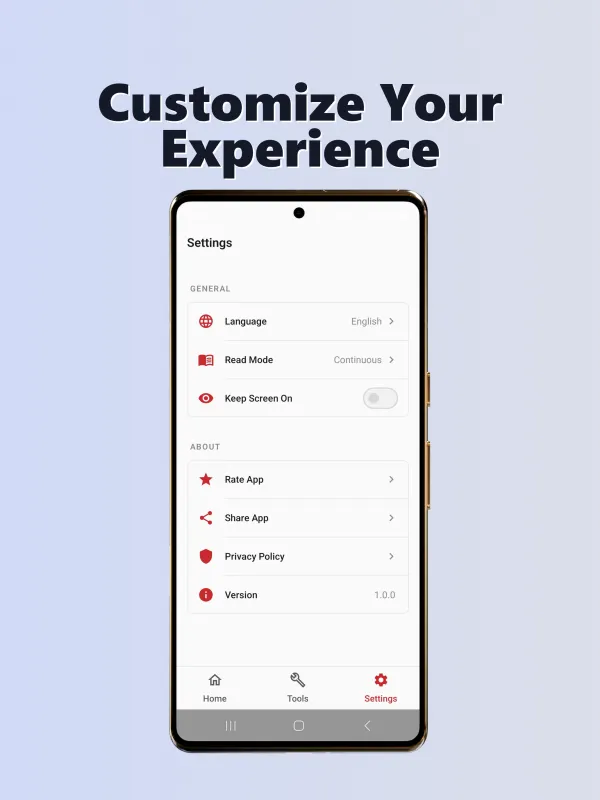
PDFizi - the all-in-one PDF reader and editor built for getting real work done on your phone.
Whether you need to read a long document, sign a contract, scan a receipt, or combine a few files before emailing them, PDFizi gives you every essential PDF tool in a clean, fast interface — no subscription walls in the way of the basics.
READ ANYWHERE, COMFORTABLY
• Smooth, fluid PDF rendering for single-page and continuous scroll modes
• Night mode for easier reading in low light
• Full-text search inside any PDF
• Thumbnails panel for quick page jumps
• Bookmarks to keep your place across documents
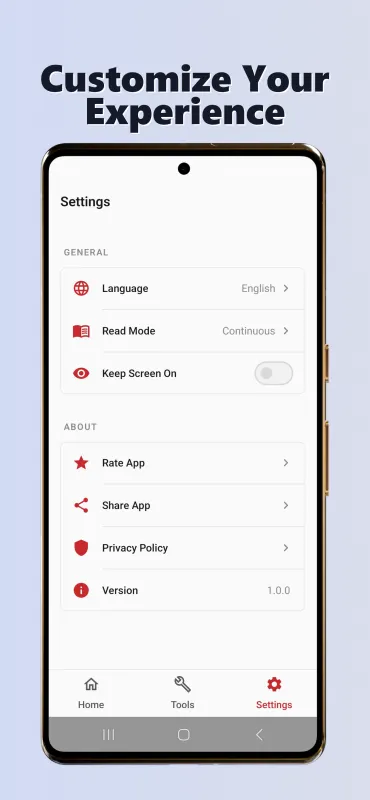
• Keep-screen-on option for long reading sessions
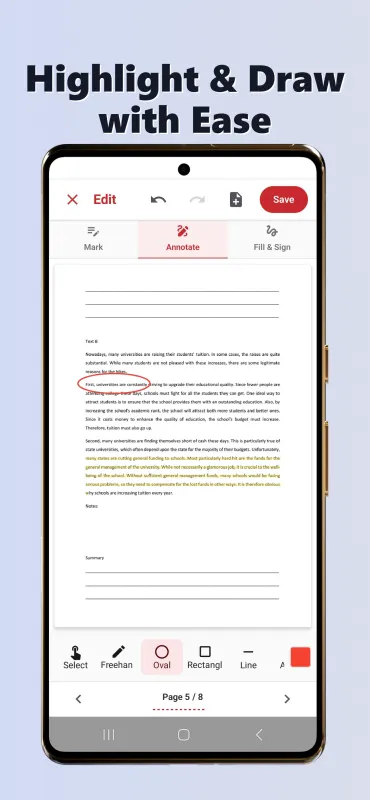
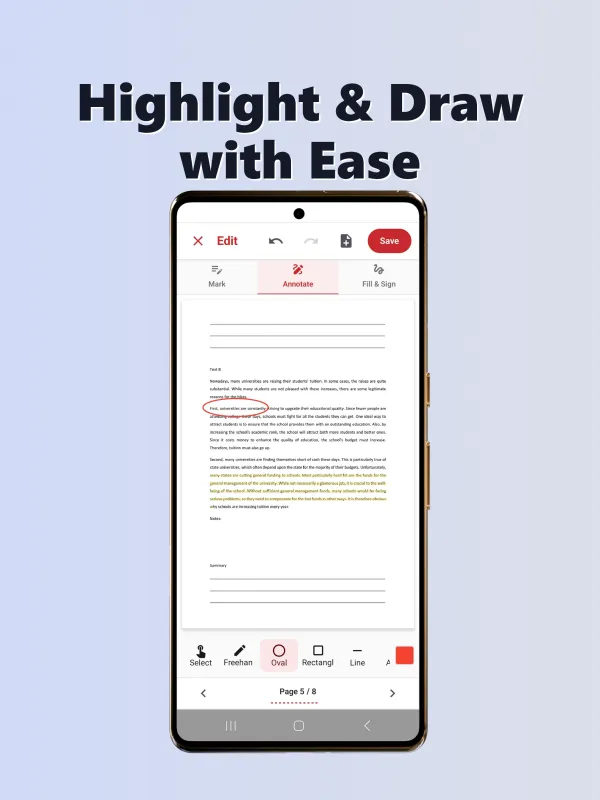
EDIT & ANNOTATE LIKE A PRO
• Highlight, underline, strikethrough any selectable text
• Freehand drawing, shapes (rectangle, oval, triangle, polygon, line, arrow, zigzag)
• Adjustable colour, opacity, and stroke width
• Sticky notes on any page
• Edit existing text in your PDFs
• Move, scale and erase annotations freely
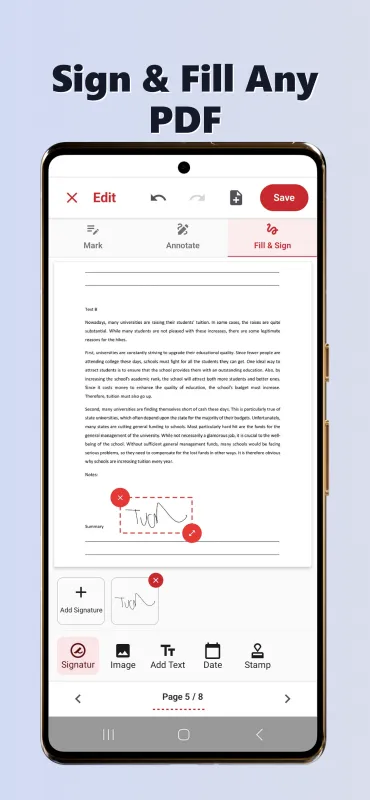
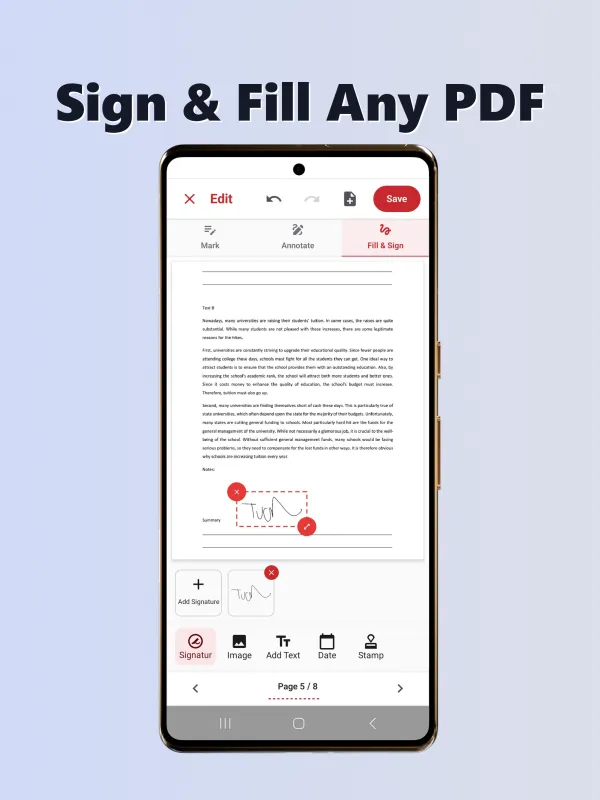
FILL & SIGN DOCUMENTS
• Draw and save reusable signatures
• Drop in signature, stamp, text, date, link or image anywhere
• Resize and reposition with precise controls
• Add entirely new pages from images or other PDFs
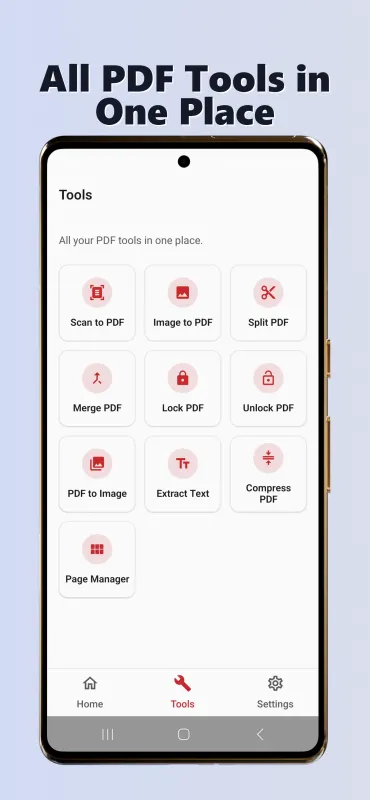
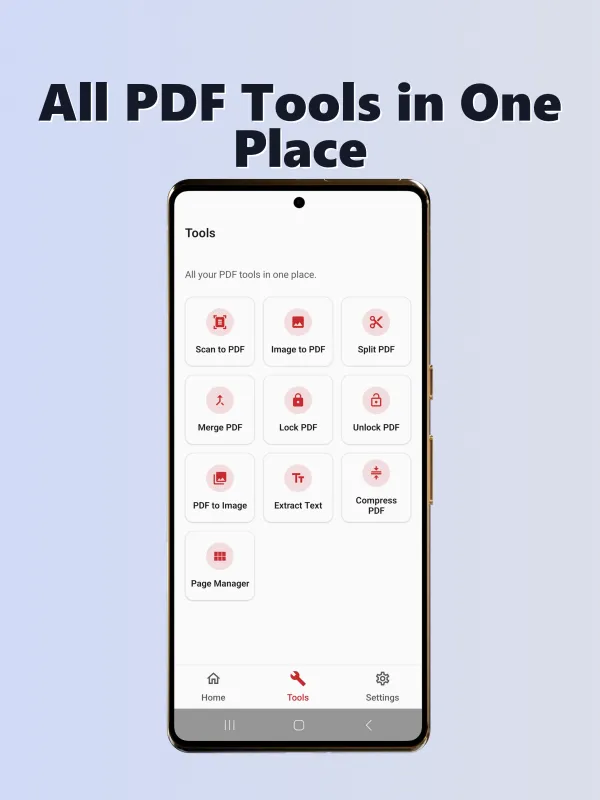
POWERFUL PDF TOOLKIT
• Scan to PDF — use your camera to turn real documents into clean PDFs
• Image to PDF — combine up to 20 photos into a single document, choose page size, orientation and quality
• PDF to Image — export pages as JPEG or PNG with quality and resolution controls
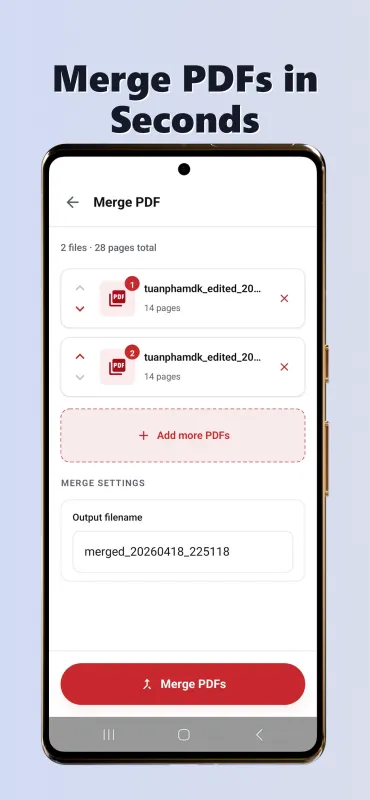
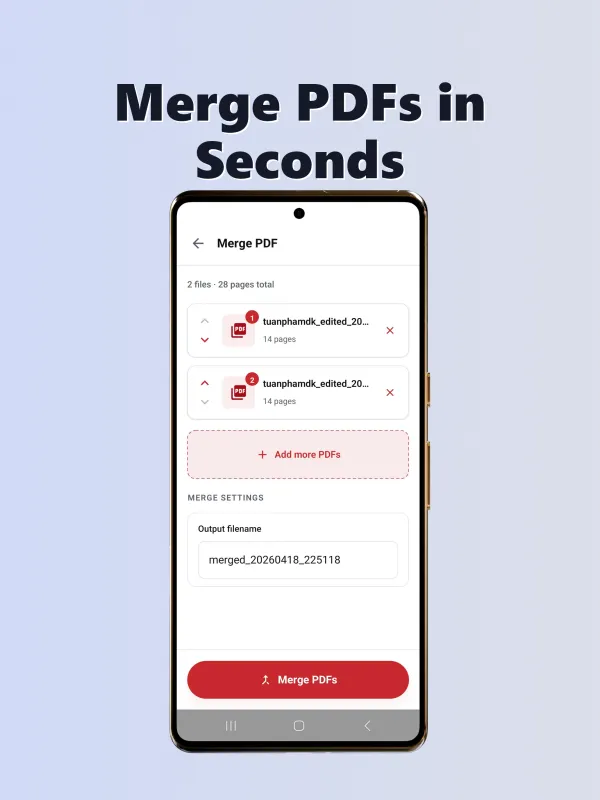
• Merge PDF — combine multiple files in any order
• Split PDF — by page ranges, every N pages, or custom ranges
• Compress PDF — shrink file size with smart quality presets and advanced options (image downsampling, grayscale, metadata stripping)
• Extract Text — pull all readable text out of a PDF and save as .txt
• Page Manager — reorder, rotate and delete pages